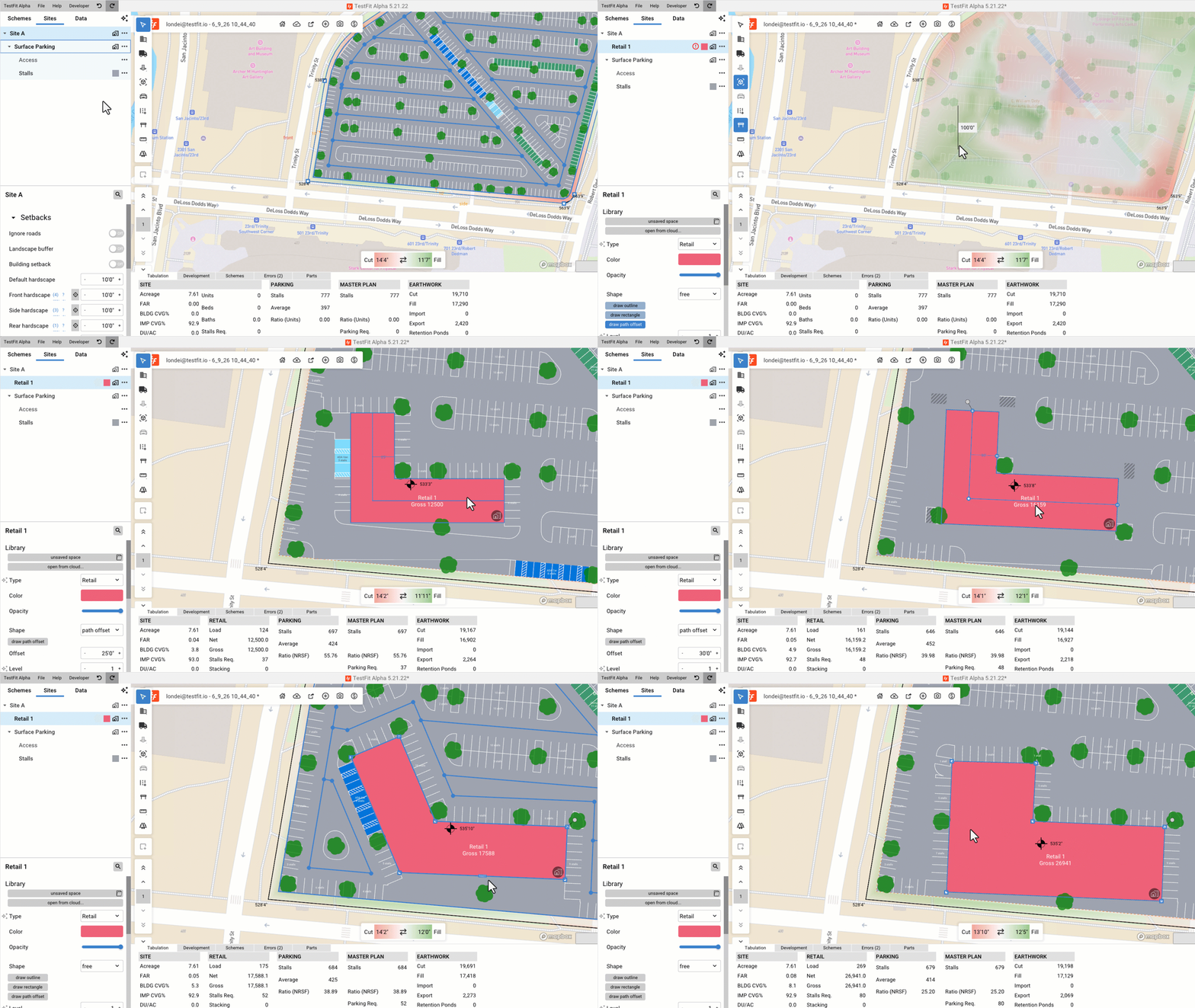
Consult the How Do I Add a Space to a Site? (Building/Warehouse/Park/Chalet/Impervious Area) article before exploring this detailed walkthrough of the Path Offset function.
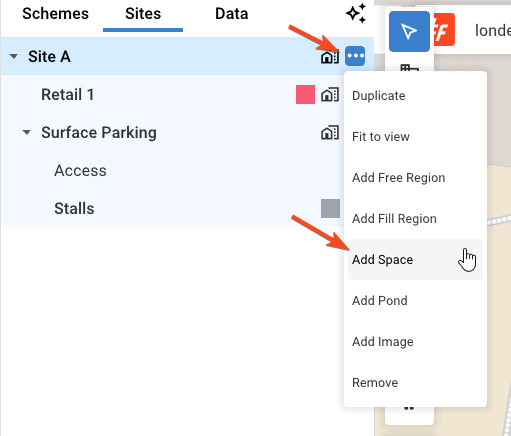
At the end of the Site layer, select Add Space
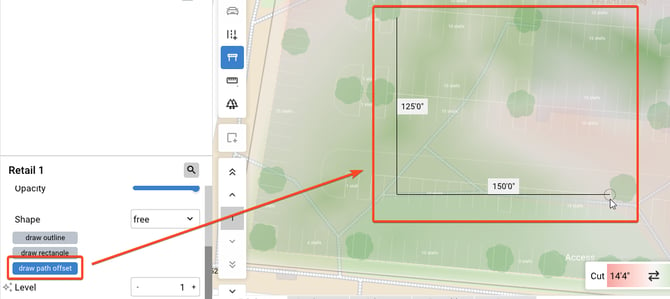
Select the draw path offset option and define the shape of your desired building/area. If drawing a building, think of this spline as the potential corridor of the building. Click the circle at the end of the last spline to stop the defining process.
Specify half the width of the building/area. Inputting 25' would result in a 50' wide building as seen below.
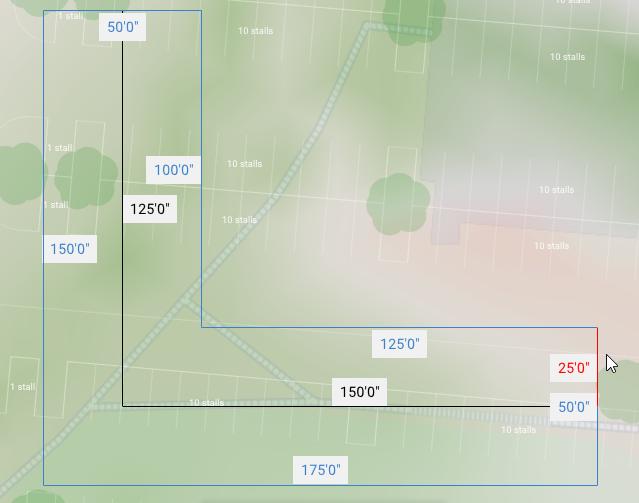
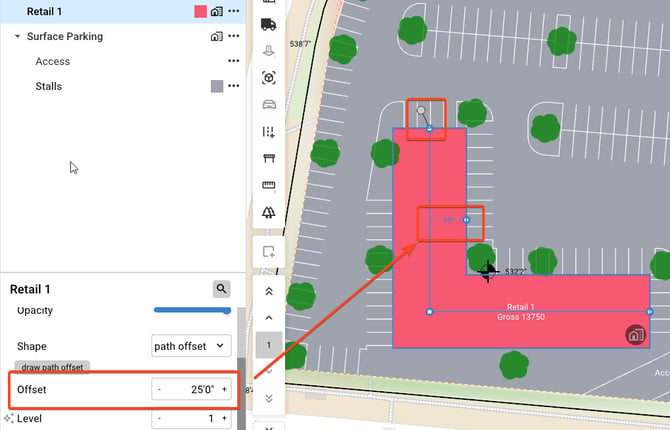
You can adjust the building width by changing the offset value in the properties of the object or by clicking on the numeric value in canvas.
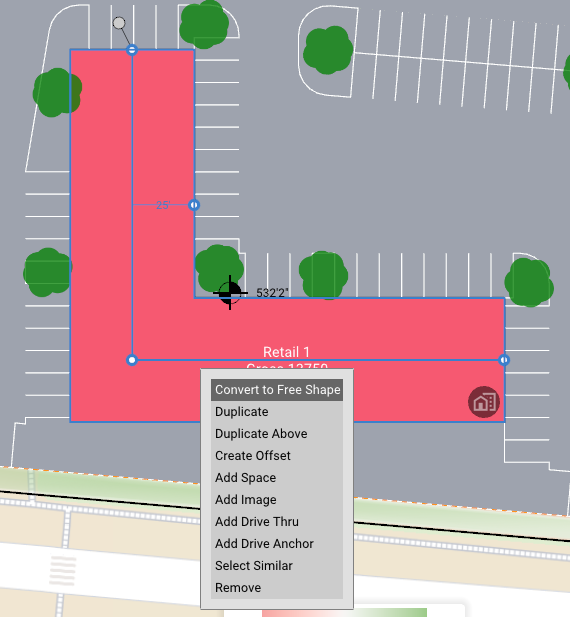
Right click the Space and select Convert to Free Shape if you want to make additional change, such as adding new nodes to the space