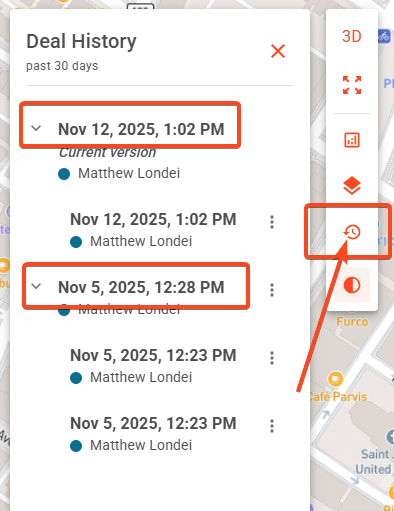
To see the previous version of a saved deal you'll need to open the specific deal in your Pipeline.
Along the right side panel is the Deal History icon. Click it to expose the last 30 days of deal history.
Restoring a Previous Version
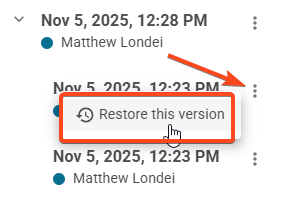
Locate the day/time of a previously saved version, click the three dots at the end of the line, and select Restore this version
Launch the TestFit Application, click Open Cloud Deal, locate the desired deal, and click Open.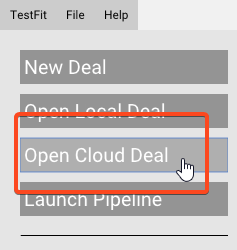
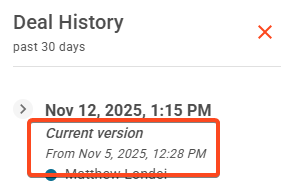
In the cloud deal, you will be able to see that the current version has been restored from a previous deal