
To save or delete a model template, open the TestFit tab.
To save, select the Save icon.
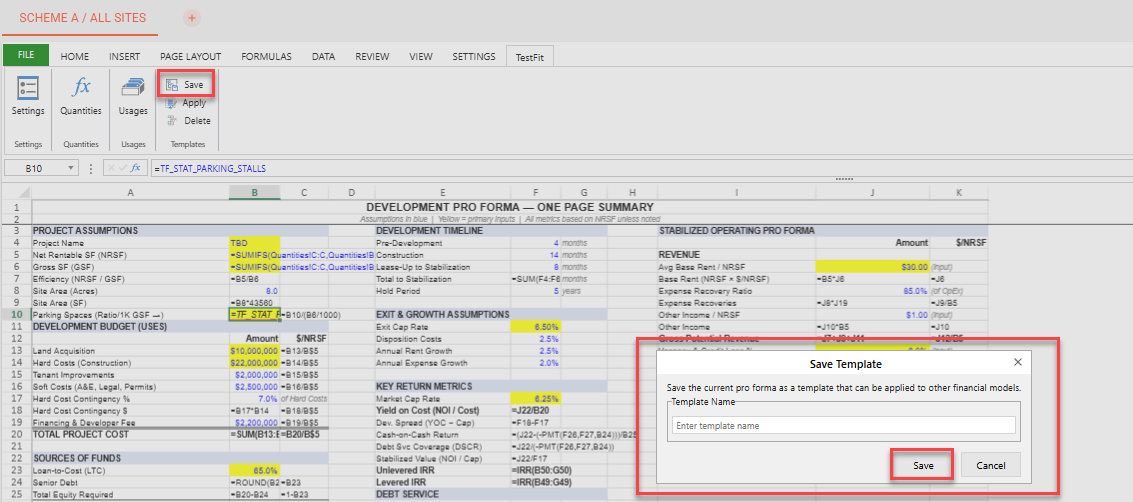
You can save a new or rename an existing financial model to add to your Organization's model templates by selecting Save.
To delete a financial model or models, select Delete in TestFit tab.
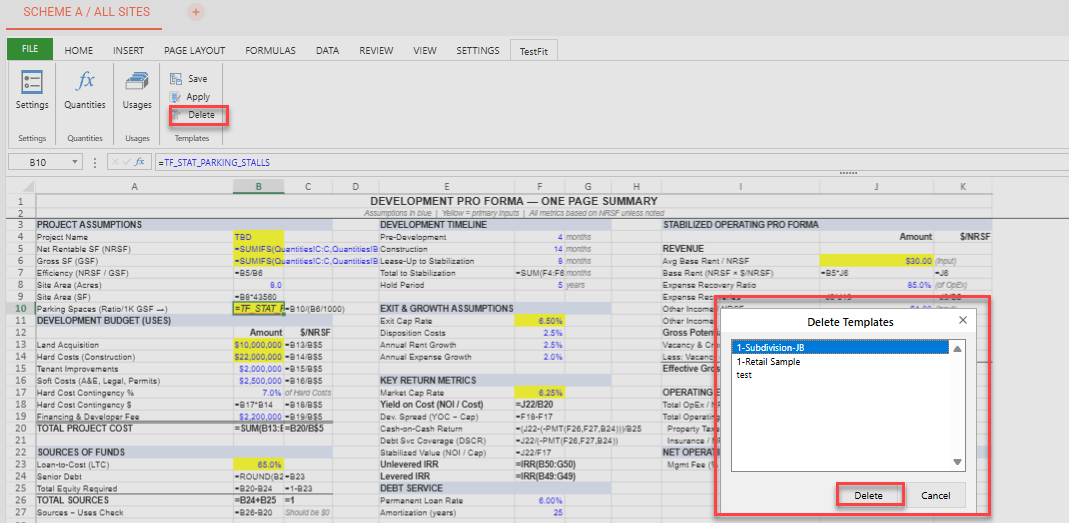
Highlight the model or models you would like to delete. Then, select Delete to remove those models from your Organization's financial model templates