
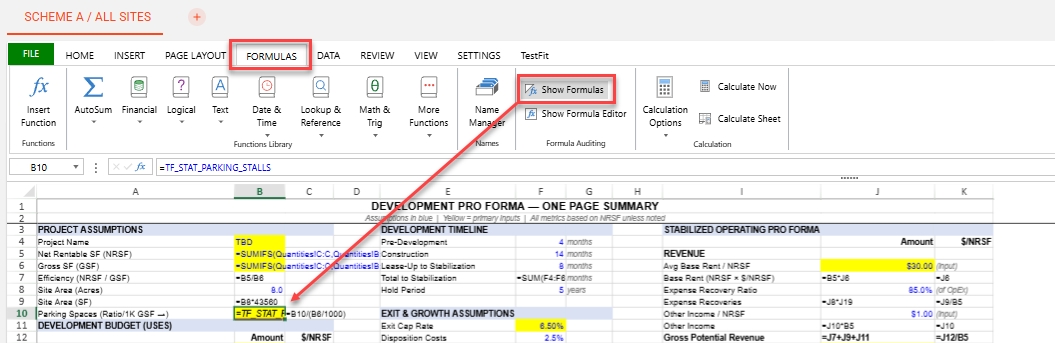
To show formulas within the Pro Forma, click on the Formulas tab.
Select Show Formulas to expose or hide formulas in each cell.
Note, exported financial models will maintain the setting of hidden or visible formulas upon export.
To show formulas within the Pro Forma, click on the Formulas tab.
Select Show Formulas to expose or hide formulas in each cell.
Note, exported financial models will maintain the setting of hidden or visible formulas upon export.