Saving Assets to the Cloud
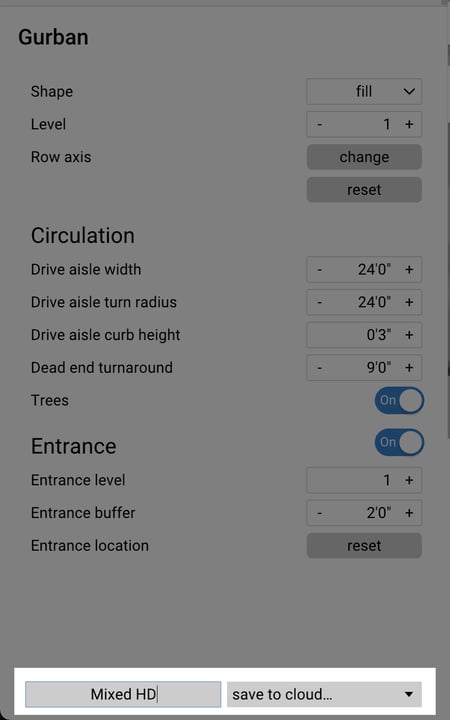
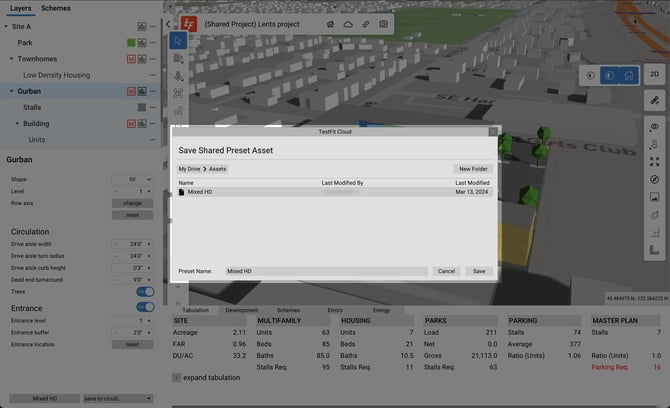
To save an asset file, make any changes you want, then select save to cloud in the drop down.
In the web, you can access and manage Asset folders. Further, you can organize your Asset folder by utilizing sub-directory folders.
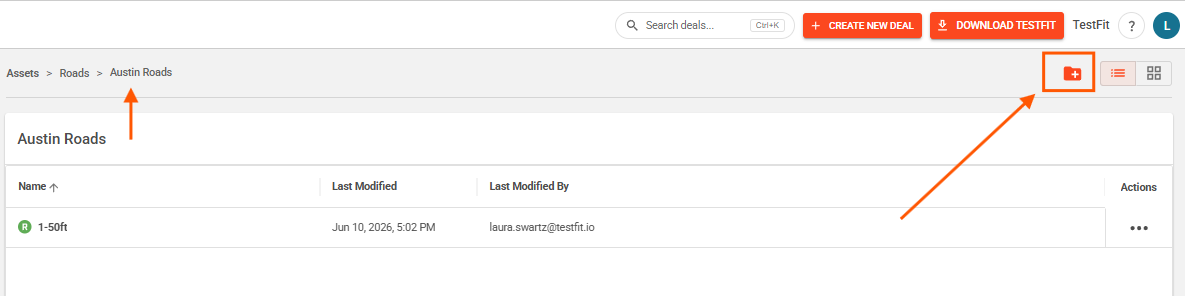
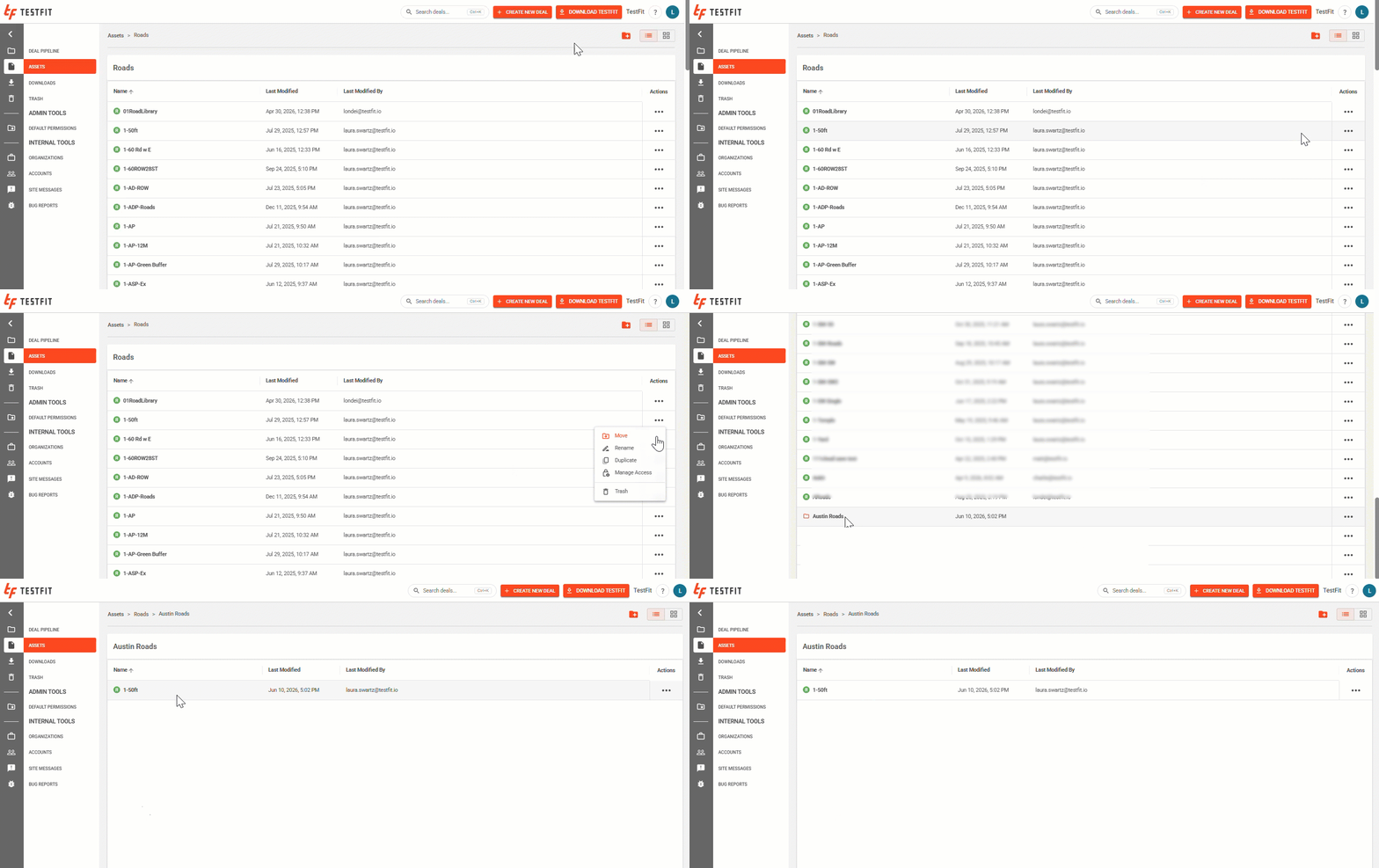
To move an asset to a sub-directory folder, click on the ellipsis [...], select move, and then select the folder to move the asset to.