In the Web
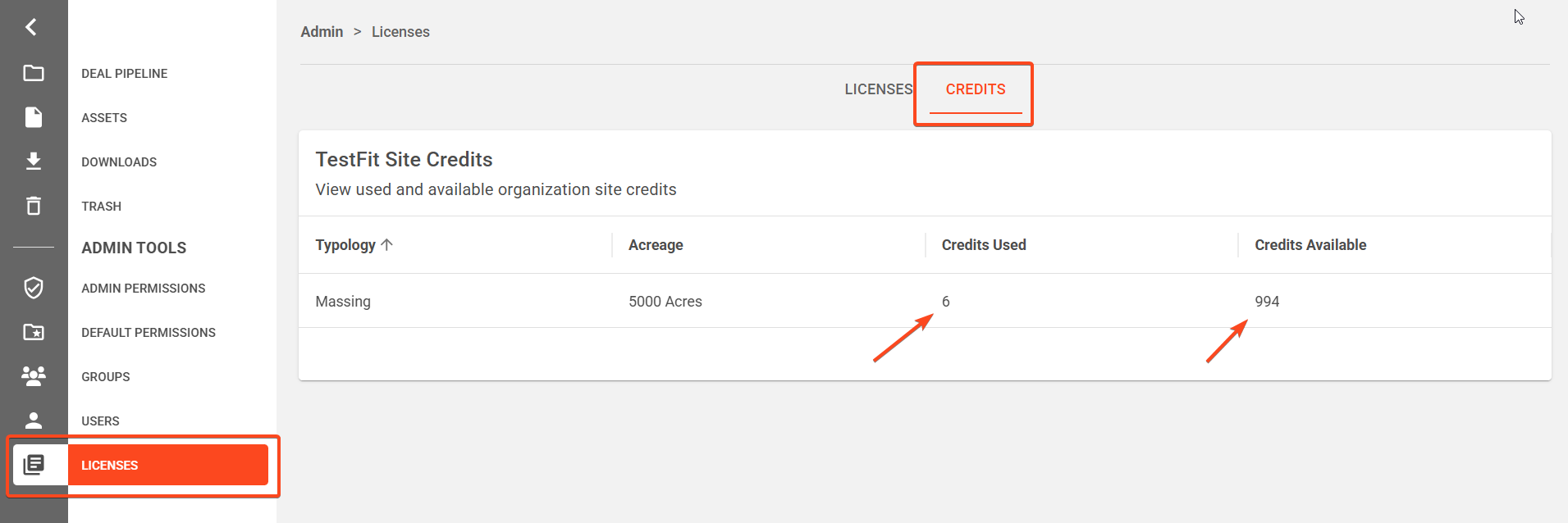
Log into your TestFit account, click LICENSES along the left-side panel, click CREDITS.
Your Credits Used and Credit Available will be visible:
In App
When launching TestFit, your remaining site Credit Balance is visible here: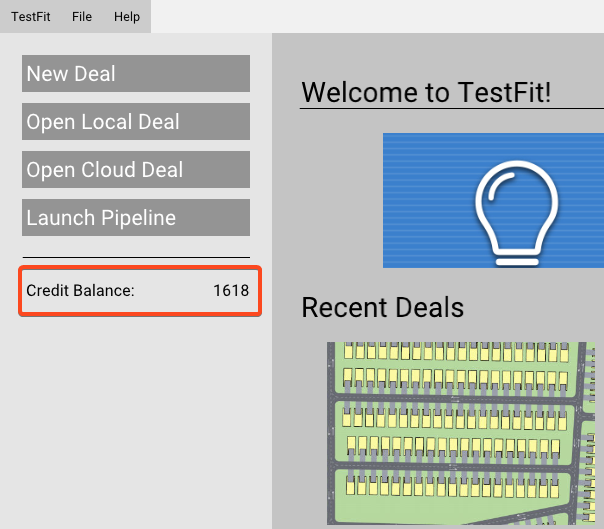
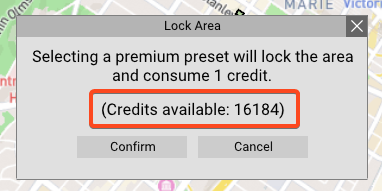
When consuming a credit, your balance is also shown: